
How to Choose the Right Printer for Office: A Complete Buyer’s Guide (2026)
Choosing a printer for your office looks simple until you see the options: inkjet, laser, LED, multifunction, mono, colour, ink tank, Wi-Fi, duplex. Pick wrong and you end up with a machine that is too slow, too costly to run, or too weak for your workload.
This guide explains how to choose the right printer for office step by step, so you can match a printer to your team size, print volume, and budget instead of paying for features you will never use.
Quick answer: which printer should your office buy?
- Small office (1 to 5 people), mostly black-and-white documents: a mono laser printer with auto duplex.
- Office that prints and also scans or copies: a multifunction printer (MFP).
- Frequent colour printing (brochures, presentations, proposals): a colour laser or LED printer, or an ink tank printer if volume is low.
- Large teams or heavy daily printing: a commercial-grade laser printer or duplicator with a high monthly duty cycle.
Read on to see how to decide with confidence.
Step 1: Understand how much your office actually prints
The most common mistake is buying based on price alone. Start with your numbers.
- Monthly print volume: Count the pages your team prints in a typical month. Your current printer’s counter or your paper consumption is a good guide.
- Number of users: More users mean more simultaneous jobs and a greater need for network printing.
- Document type: Plain text invoices and reports need very different hardware from marketing material or photos.
- Growth: If you expect to double your team in a year, buy for that, not just for today.
Every printer has a recommended monthly volume and a higher maximum duty cycle. Stay within the recommended range for long printer life. A printer pushed to its maximum every month will wear out sooner.
Step 2: Choose the right printer type
Laser printers: best for most offices
Laser printers use toner and produce sharp text quickly. They are the default choice for document-heavy offices because they are fast, handle high volumes, and the text does not smudge. The toner does not dry out if the printer sits unused for a while.
Best for: invoices, contracts, reports, forms, and everyday business printing.
Inkjet and ink tank printers: best for colour and flexibility
Inkjet printers handle colour graphics and a wider range of media well. Ink tank models (refillable bottles) bring the cost per page down compared with cartridge inkjets.
Best for: low-to-medium volume offices that need good colour, photos, or varied paper types.
LED printers: a compact laser alternative
LED printers work like lasers but use an LED array instead of a laser assembly. They tend to be compact and efficient, and they suit small and medium offices that want laser-style output.
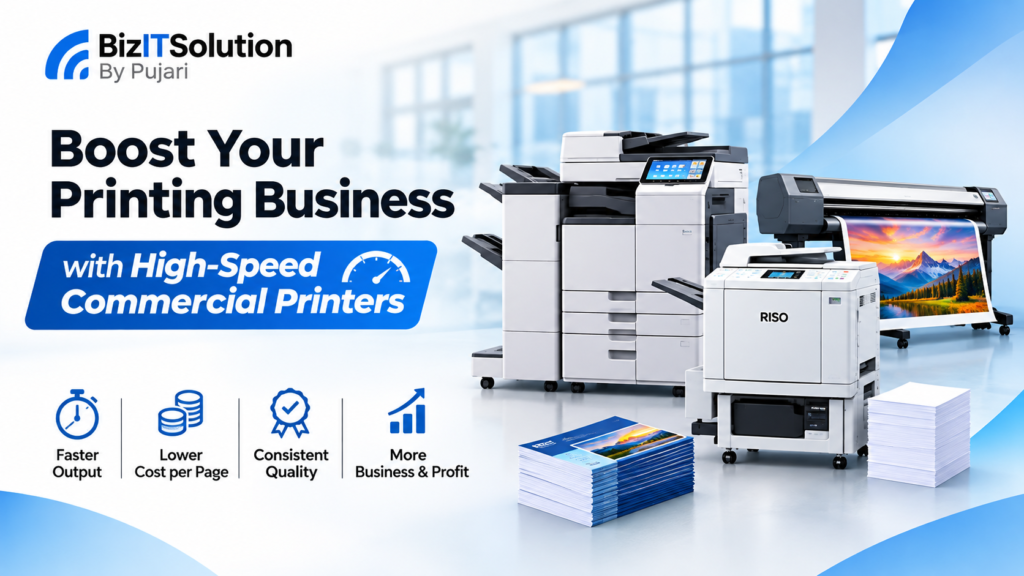
Duplicators (Riso): for very high volume
If you print hundreds or thousands of copies of the same document, such as schools, institutes, and print shops, a duplicator is far cheaper per copy than a laser or inkjet machine.
Large-format printers: for drawings and posters
Architects, engineers, and signage businesses need large-format printers for plans, maps, and posters. These are specialist machines chosen by paper width (24, 36, 44, or 60 inches).
Step 3: Decide between a single-function printer and a multifunction printer (MFP)
| Feature | Single-function printer | Multifunction printer (MFP) |
|---|---|---|
| Functions | Print only | Print, scan, copy (sometimes fax) |
| Space needed | Less | More |
| Upfront cost | Lower | Higher |
| Best for | Print-only workflows | Offices that digitise paperwork |
If your team scans documents, emails PDFs, or makes copies regularly, an MFP replaces several machines and saves desk space. If you only print, a single-function printer is cheaper and simpler to maintain.
Step 4: Compare cost per page, not just the purchase price
A cheap printer with expensive consumables can cost far more over three years than a pricier model with efficient toner. To compare fairly:
- Find the page yield of the toner or ink cartridge (how many pages it prints).
- Divide the cartridge price by the page yield to get cost per page.
- Multiply by your monthly volume to see your yearly running cost.
- Add the drum or other consumable costs if the printer uses them.
Also check whether high-yield cartridges or refill kits are available. Always use genuine consumables from a trusted seller so you do not risk print quality problems or warranty issues.
Step 5: Check the features that save time every day
- Auto duplex (double-sided printing): Cuts paper use and is ideal for reports and statements.
- Print speed (pages per minute): Faster printers save time for busy teams. Check the first-page-out time too.
- Connectivity: USB for single users, Ethernet or Wi-Fi for shared use, and mobile printing if staff print from phones.
- Paper handling: Look at tray capacity, a manual bypass tray, and supported paper sizes (A4, A3, legal).
- Automatic document feeder (ADF): Essential for MFPs if you scan multi-page documents.
- Security features: User authentication, secure print, and network security matter if you handle confidential data.
- Display and ease of use: A clear control panel reduces training time and mistakes.
Step 6: Match the printer to your office size
Home office or solo professional
A compact mono laser or an ink tank printer is usually enough. Prioritise low running cost and a small footprint.
Small office (2 to 10 users)
Choose a Wi-Fi or Ethernet mono laser printer with auto duplex for everyday documents, or a colour laser MFP if you also need scanning and colour output.
Medium office (10 to 50 users)
Go for a network-ready, higher-capacity laser printer or MFP with larger paper trays, higher-yield toner, and security features.
Schools, institutes, and print-heavy businesses
Consider a duplicator for bulk copies, plus laser printers for day-to-day work.
Design, engineering, and signage
A large-format printer sized to your typical media width is the right fit.
Step 7: Choose a brand with strong service and warranty
Brand matters less than support availability in your city. Before buying, ask:
- Is there an authorised service network near you?
- What does the warranty cover, and for how long?
- Are genuine consumables and spare parts easy to get?
- Does the seller offer installation and after-sales support?
Well-known brands such as HP, Canon, Brother, Epson, and Riso offer printers across home, office, and commercial categories. Buying from an authorised partner means you get genuine products with manufacturer warranty.
Step 8: Set a realistic budget
Printer prices vary widely, so think in terms of total cost of ownership (purchase price plus consumables plus service) over three to five years.
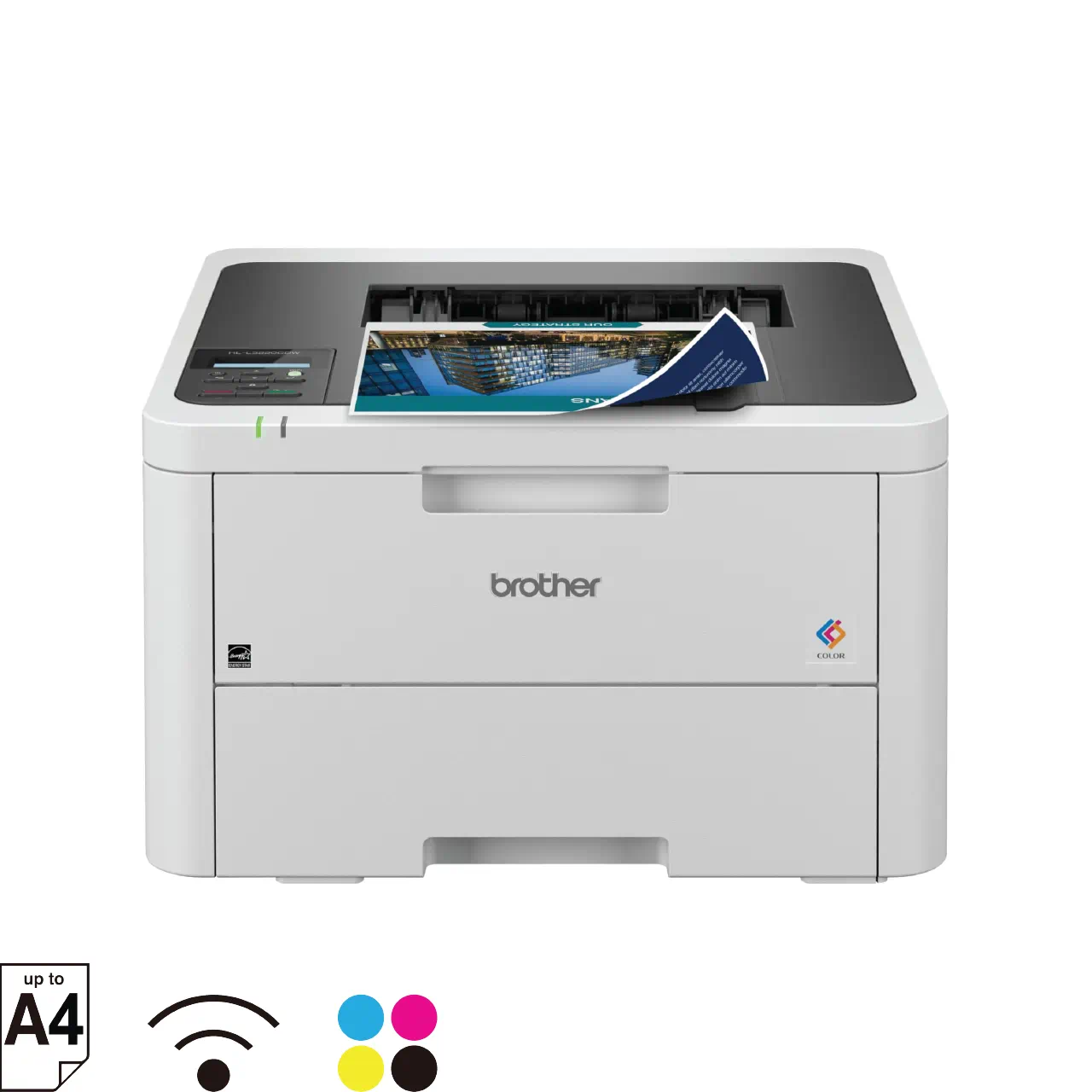
For reference, popular office models on Biz IT Solution include the Brother HL-B2100DB auto duplex mono laser printer (around ₹15,790), the Brother HL-L2460DW Wi-Fi duplex mono laser printer (around ₹20,990), and the Brother HL-L3220CDW colour laser LED printer (around ₹35,990). Prices change, so check the product pages for current pricing.
Printer buying checklist for offices
Before you pay, confirm each point:
- I know our monthly print volume and how many people share the printer.
- I chose the right type (laser, LED, ink tank, duplicator, or large format).
- I compared cost per page, not only the sticker price.
- The printer has the connectivity we need (USB, Ethernet, Wi-Fi, mobile).
- It supports auto duplex and the paper sizes we use.
- Genuine consumables and spares are easy to buy.
- Warranty and local service support are clear.
- The seller offers installation and after-sales help.
Frequently asked questions
Which is better for an office: laser or inkjet?
For most offices that print mainly text documents, a laser printer is the better choice because it is faster, handles higher volume, and produces sharp, smudge-resistant text. Inkjet or ink tank printers are better when you print colour graphics or photos at lower volume.
Is a multifunction printer worth it for a small office?
Yes, if you scan or copy regularly. A multifunction printer combines printing, scanning, and copying in one device, saving money and space compared with buying separate machines.
How do I calculate the cost per page of a printer?
Divide the price of a cartridge by its rated page yield. For example, a toner that costs ₹3,000 and prints 3,000 pages costs about ₹1 per page. Add drum or other consumable costs for a complete figure.
What does duty cycle mean?
Duty cycle is the maximum number of pages a printer can handle in a month. Choose a printer whose recommended monthly volume comfortably covers your usage so it lasts longer.
How many pages per minute does an office printer need?
Small offices are usually comfortable with around 20 to 30 pages per minute. Busier teams should look at faster models. The first-page-out time and duplex speed also affect real-world productivity.
Should I buy a printer online or from a local dealer?
Buy from an authorised seller who offers genuine products, warranty, and installation support. A seller with pan-India delivery and after-sales service gives you the convenience of online buying with the support of a local dealer.
Final thoughts
The right office printer is the one that matches your volume, document type, team size, and total running cost, not simply the cheapest or the most feature-packed. Start by measuring your needs, compare cost per page, and pick a brand with reliable local support.
Ready to choose? Browse genuine printers, scanners, and office IT solutions at Biz IT Solution, an HP Authorized Business Partner with pan-India delivery, bulk-order pricing, and expert support. Contact our team on +91 81302 76311 or send an enquiry, and we will help you pick the right printer for your office.
Explore more: Laser Printers · Inkjet Printers · Multi-functional Printers · Duplicators · Large Format Printers · Printer Consumables
Follow Us: Instagram