

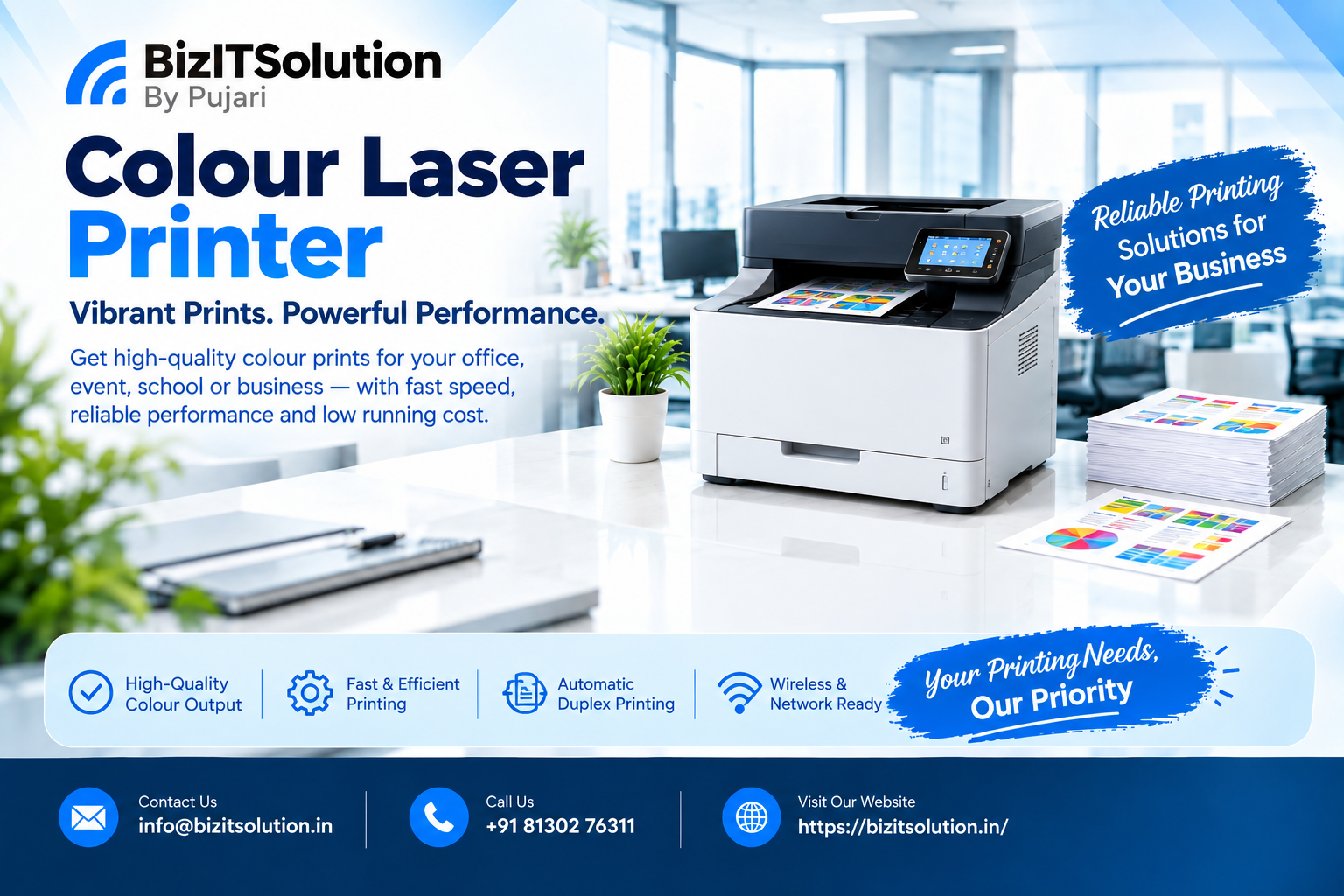
A Colour Laser Printer is an excellent choice for businesses, offices and professional users who need fast, consistent and high-quality colour documents. Unlike traditional inkjet printers, laser printers use toner technology to produce sharp text, graphics, presentations, reports and marketing documents.
Today, brands such as HP, Canon and Brother offer colour laser models with features including automatic duplex printing, wireless connectivity, Ethernet networking, scanning, copying and mobile printing. Choosing the right printer, however, depends on your printing volume, required features, budget and long-term running cost.
What Is a Colour Laser Printer?
A Colour Laser Printer uses toner cartridges and laser-based printing technology to create documents. Most colour laser printers use four toner colours: cyan, magenta, yellow and black (CMYK). These colours are combined to produce professional-looking colour documents.
Laser printing is particularly suitable for offices where documents need to be produced quickly and consistently. Modern models are available as print-only machines as well as multifunction printers that can print, scan and copy.
How Does a Colour Laser Printer Work?
The printing process uses a laser beam, imaging components and toner. The laser creates the required image on an imaging drum, after which toner is transferred onto the paper and fused using heat.
This process allows laser printers to produce sharp text and consistent output. It is one reason businesses commonly consider laser technology for regular office printing and document-heavy workloads.
Benefits of Using a Colour Laser Printer
1. Fast Printing
Printing speed is an important consideration for offices. Many current colour laser models offer relatively high pages-per-minute (PPM) ratings, helping employees complete documents without long waiting times.
For example, HP’s current Color LaserJet Pro range includes models rated at up to 26 ppm and higher-speed models rated at up to 35 ppm. Actual performance can vary depending on the document, settings and system configuration.
2. Professional Colour Output
Colour printing can make presentations, proposals, charts, brochures and business reports more professional. Modern toner technology is designed to provide vibrant and consistent colours for everyday business documents.
3. Automatic Duplex Printing
Automatic duplex printing allows the printer to print on both sides of a sheet without manually turning the paper. This can help reduce paper consumption and make large documents easier to manage.
Duplex printing is now an important feature across many business-oriented printer ranges.
4. Wireless and Network Connectivity
A wireless Colour Laser Printer can allow multiple users to print from computers, laptops, tablets and smartphones. Ethernet connectivity can also be useful when the printer needs to be integrated into an office network.
Depending on the model, connectivity options may include Wi-Fi, Wi-Fi Direct, USB and Ethernet.
5. Multifunction Features
If your office needs more than printing, consider a multifunction model. A multifunction printer may combine:
- Printing
- Scanning
- Copying
- Faxing
- Automatic document feeding
- Duplex printing
This can reduce the need for separate office equipment and make document workflows more efficient.
Colour Laser Printer Price in India
The price of a Colour Laser Printer depends on the printer’s speed, functions, connectivity, paper capacity and intended workload.
Entry-level models are generally designed for lighter workloads, while professional multifunction machines can cost considerably more because they include additional features and higher performance.
For example, HP’s current India store lists the Color LaserJet Pro MFP 3303sdw and MFP 4303fdw in different business-oriented configurations, with differences in functions, user capacity and recommended print volume. Prices can change, so buyers should check the current selling price before purchasing.
When comparing prices, don’t look only at the initial purchase cost. Also consider toner prices, toner yield, paper consumption, maintenance and expected monthly printing.
Best Colour Laser Printer for Office Use
The best Colour Laser Printer for an office depends on the number of users and the volume of printing.
For a small office, a compact wireless printer with automatic duplex printing may be sufficient. A multifunction model can be a better choice if employees regularly scan and copy documents.
For larger teams, look for:
- Higher print speed
- Ethernet connectivity
- Automatic duplex printing
- Larger paper capacity
- ADF or DADF
- Higher recommended monthly volume
- Mobile printing
- Security features
HP, Canon and Brother all offer different printer configurations, so comparing features against actual office requirements is more useful than choosing purely by brand.
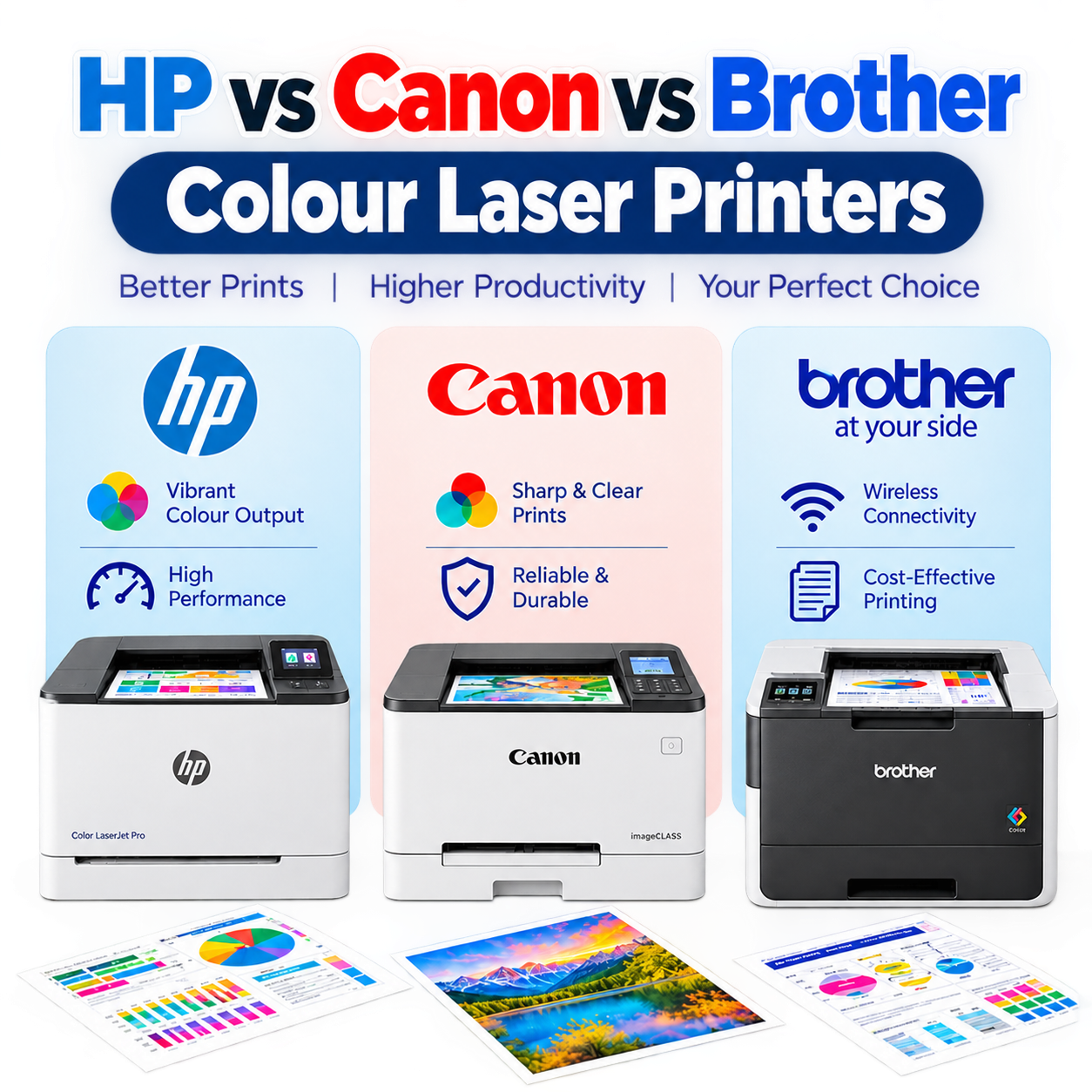
HP vs Canon vs Brother Colour Laser Printers
HP, Canon and Brother are three major brands to consider when purchasing a colour laser machine in India.
HP focuses strongly on business productivity, colour quality, connectivity and security. Its current colour laser range includes print-only and multifunction models.
Canon offers laser printing solutions across different office requirements, including imageCLASS models and multifunction systems. Buyers should compare print speed, functions, recommended volume and connectivity.
Brother provides filters for colour laser printers based on purpose, functions, wireless printing, automatic duplex, ADF, DADF and paper size, making it easier to match a printer to a particular workload.
Print-Only vs Multifunction Colour Laser Printer
Choose a print-only model when your primary requirement is printing and your office already has separate scanning and copying equipment.
Choose a multifunction model when you need printing, scanning and copying from one device. Businesses that frequently handle invoices, contracts, forms and multi-page documents can benefit from an ADF-equipped multifunction printer.
How to Choose the Right Printer
Before buying a Colour Laser Printer, consider these important factors:
Print speed: Select a suitable PPM rating according to your workload.
Monthly printing volume: Check the recommended monthly volume rather than relying only on the maximum duty cycle.
Duplex printing: Automatic duplex can save paper and improve document production.
Connectivity: Wi-Fi is useful for flexible printing, while Ethernet is valuable for office networks.
Toner cost: Check toner yield and replacement prices before purchasing.
Paper capacity: A larger input tray reduces the frequency of paper loading.
Multifunction capability: Choose print-only or print-scan-copy functionality based on your workflow.
Security: Business users should consider network and device security features, especially when printers are connected to company networks.
Current buying guides also recommend considering total cost of ownership, connectivity, print speed, duplex capability and toner costs rather than focusing only on the purchase price.
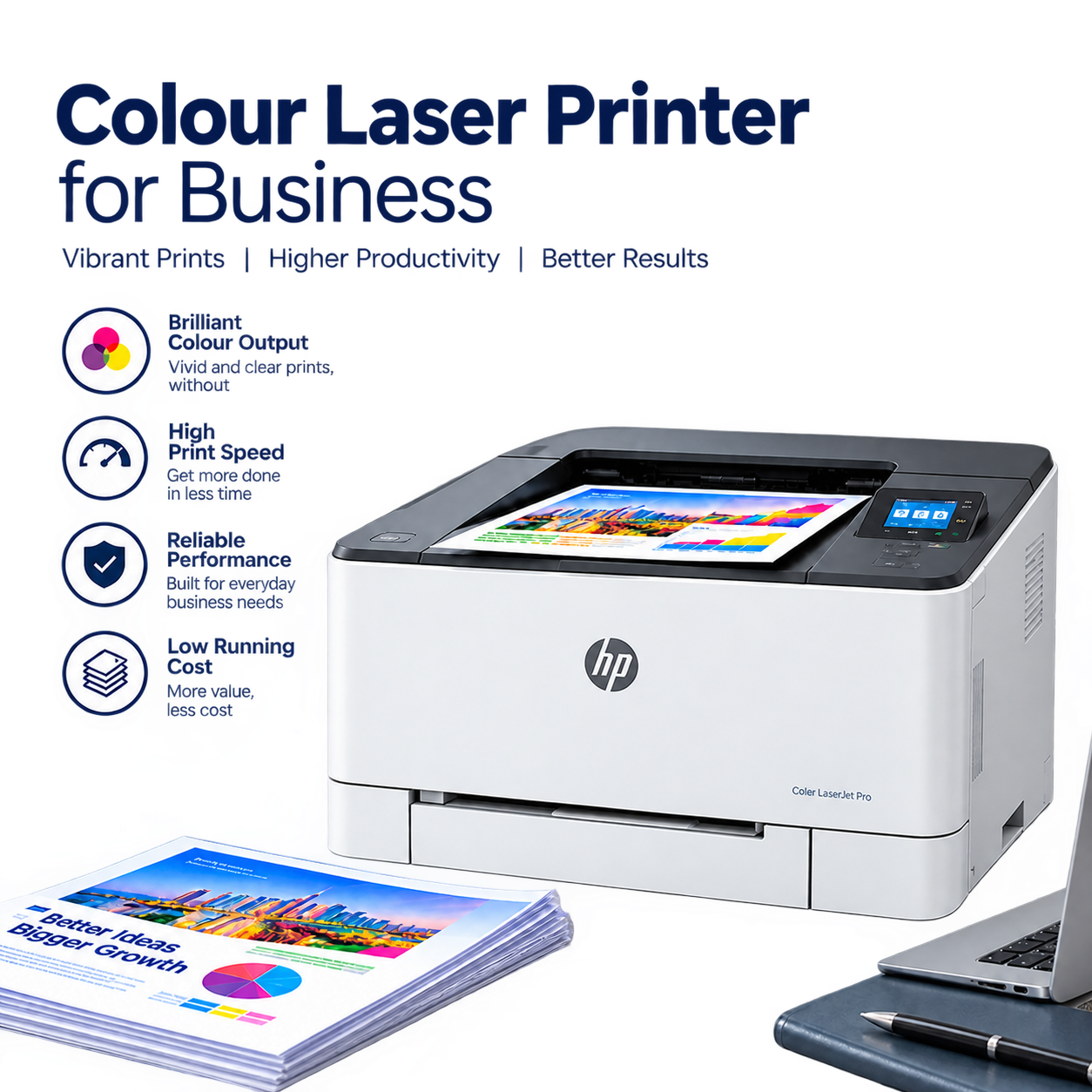
Colour Laser Printer for Business
For businesses, the right printer should provide a balance between productivity, reliability and operating cost.
A small business may prefer a compact wireless multifunction printer, while a larger office may need a faster network-connected model with greater paper capacity and higher monthly volume.
Businesses should also calculate the expected colour printing requirement. If most documents are black and white, a monochrome laser printer may be more economical, while colour-heavy marketing, presentations and customer documents can justify colour laser technology.
Chat on WhatsApp
Conclusion
A Colour Laser Printer can be a practical investment for offices and businesses that need fast, consistent and professional colour printing. Automatic duplex printing, wireless connectivity, networking, multifunction capabilities and efficient toner systems make modern laser printers suitable for a wide range of professional applications.
Before buying, compare print speed, monthly volume, toner cost, paper capacity, connectivity and required functions. HP, Canon and Brother provide multiple options across different business requirements.
For businesses in India, choosing a printer based on actual workload and total operating cost can help deliver better long-term value than selecting a model based only on its purchase price.
FAQs
1. What is a Colour Laser Printer?
It is a printer that uses laser technology and toner cartridges to produce colour documents. Most colour models use cyan, magenta, yellow and black toner.
2. Is a colour laser printer good for office use?
Yes. It is particularly useful for offices that need consistent colour output, fast document printing, duplex printing and network connectivity.
3. Which is better: HP, Canon or Brother?
There is no single best brand for every user. Compare speed, toner cost, functions, connectivity, monthly volume and service availability according to your requirements.
4. Is a colour laser printer expensive?
The initial price can be higher than some basic inkjet printers, but the overall value depends on printing volume, toner yield, maintenance and cost per page.
5. Does a colour laser printer support Wi-Fi?
Many modern models support Wi-Fi, although connectivity varies by model. Some also provide Ethernet, USB, Wi-Fi Direct and mobile printing options.
6. Should I buy a multifunction colour laser printer?
If you need scanning and copying in addition to printing, a multifunction model can be a convenient choice. For printing only, a print-only model may be sufficient.
7. What should I check before buying?
Check print speed, recommended monthly volume, duplex printing, toner yield, toner price, paper capacity, Wi-Fi/Ethernet connectivity, ADF and multifunction features.
8. Can I buy a colour laser printer for a small business?
Yes. Compact colour laser models are available for small offices and teams. Select the model according to your expected monthly pages and required features.