

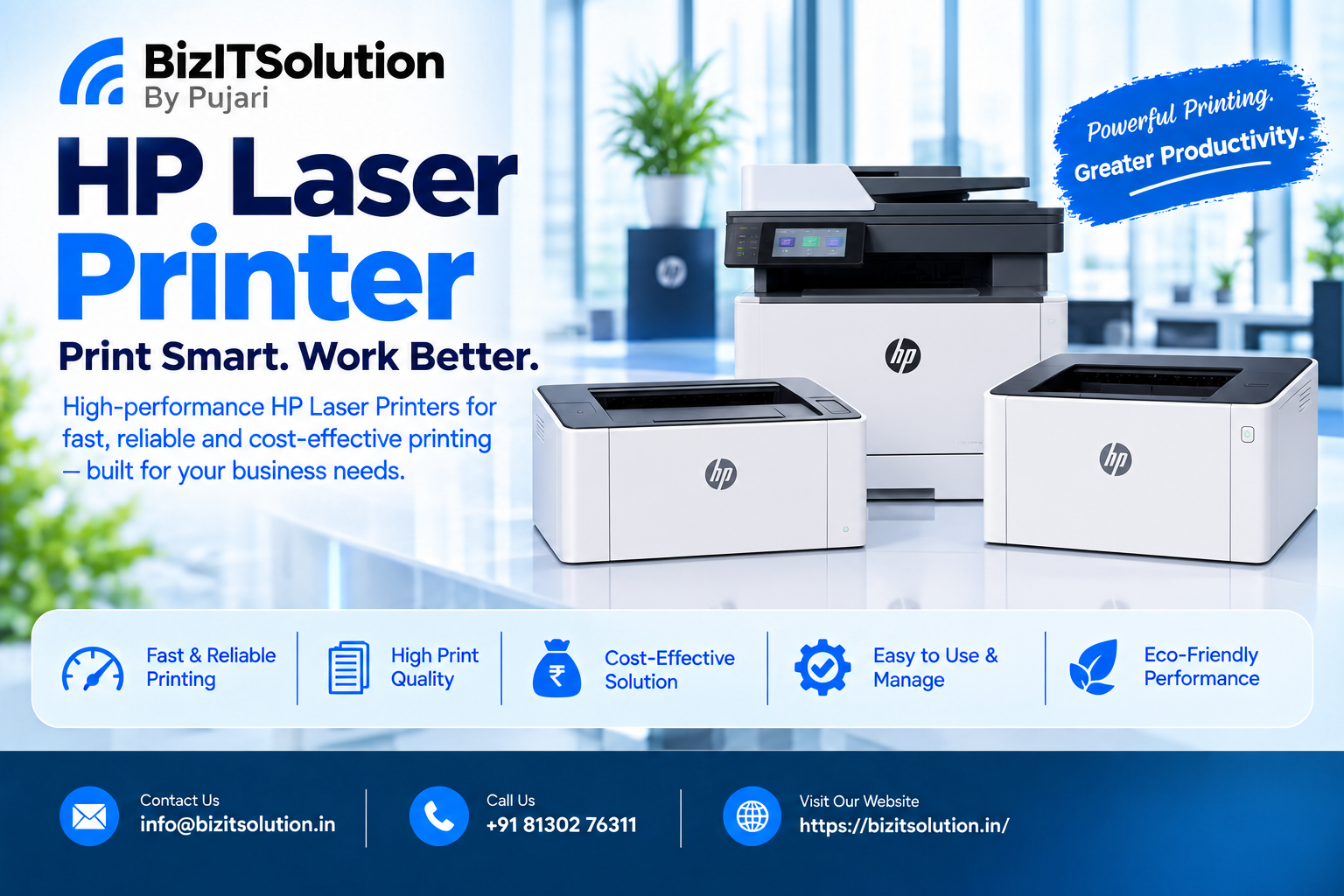
Choosing the right printer is essential for businesses, offices, and home users who need reliable document printing. An HP laser printer is worth considering for sharp text output, efficient document handling, and a range of options for different printing requirements. From compact devices for home offices to multifunction machines for professional environments, HP offers several printer models designed around different workloads.
This guide explains the main features, printer types, benefits, and factors to consider before purchasing a suitable HP model in India.
What Is an HP Laser Printer?
An HP laser printer uses laser-printing technology and powdered toner to produce text, graphics, and documents on paper. Unlike inkjet printers, which use liquid ink, laser printers use an imaging process and heat to bond toner to the page.
HP’s LaserJet range includes black-and-white printers, colour printers, multifunction devices, and business-focused models. The best choice depends on the number of pages you print, your required features, and your budget.
Types of HP Laser Printers
1. Black-and-White Laser Printers
Monochrome printers are suitable for invoices, reports, office documents, forms, and everyday business paperwork. They are a practical option when colour printing is unnecessary.
2. Colour Laser Printers
Colour models are useful for presentations, charts, brochures, marketing documents, and other materials that need colour output. Consider toner costs and printing volume before selecting one.
3. Multifunction Laser Printers
Multifunction printers combine printing with scanning and copying. Depending on the model, they may also offer faxing, automatic document feeding, or network connectivity. These features can help offices manage document workflows with fewer separate devices.
4. Business Laser Printers
Business-oriented models can offer higher print speeds, larger paper capacities, duplex printing, network connectivity, and management features. Check each model’s recommended monthly page volume to ensure it suits your workload.
Important Features to Consider
Before purchasing an HP laser printer, compare these essential specifications:
- Print speed: Measured in pages per minute (ppm), this helps estimate how quickly documents can be produced.
- Connectivity: USB suits direct connections, while Wi-Fi and Ethernet can support shared printing workflows.
- Duplex printing: Automatic two-sided printing can reduce paper consumption and manual handling.
- Multifunction capability: Print, scan, and copy features are useful for offices with varied document requirements.
- Paper capacity: Larger input trays can reduce the frequency of paper refilling.
- Monthly print volume: Compare your expected workload with the manufacturer’s recommended volume.
- Toner availability: Check compatible cartridge models, replacement costs, and published page yields.
Not every printer supports every feature, so verify the specifications before buying.
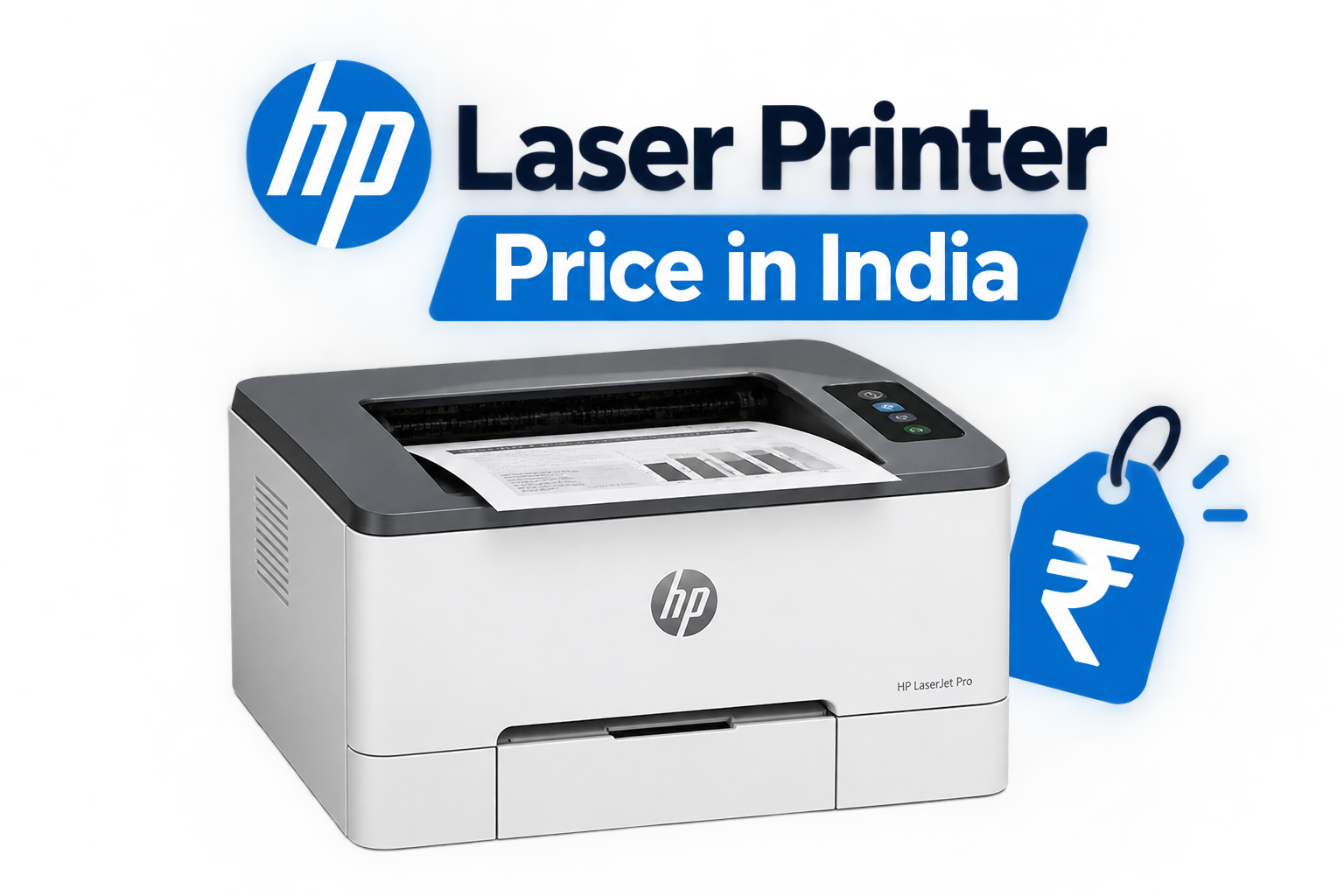
HP Laser Printer Price in India
The price of an HP laser printer varies according to its printing functions, speed, connectivity, colour capability, and intended workload. Basic monochrome models generally serve different requirements from advanced colour multifunction or enterprise devices.
For example, HP’s Indian store has listed models such as the HP LaserJet M208dw, HP LaserJet MFP M233sdw, and HP Color LaserJet Pro MFP 3303sdw at different price points. Prices and offers can change, so check the current listing before making a purchase.
When comparing models, consider the initial cost alongside toner replacement, paper consumption, servicing, and warranty coverage. A printer with a higher purchase price may offer useful productivity features for a busy office.
Benefits of HP Laser Printers for Offices
Sharp and Professional Documents
Laser printing is well suited to text-heavy materials such as reports, contracts, invoices, and business correspondence.
Efficient Document Production
Depending on the model, print speeds and paper-handling features can help offices manage regular workloads more efficiently.
Flexible Connectivity
Selected models support wireless printing, mobile printing services, or network connections. These features can be convenient when several authorized users need access to a shared device.
Multiple Printing Options
HP offers compact, multifunction, colour, and business-focused printers. This variety allows buyers to select a device based on their actual requirements rather than choosing solely by price.
How to Choose the Right HP Laser Printer
Start by estimating your average monthly printing volume. Home users and small offices may prefer compact models, while larger teams may need faster printing, additional paper capacity, or advanced management features.
Next, decide whether you require black-and-white or colour output. If your workflow includes scanning and copying, compare multifunction models. Check Wi-Fi, Ethernet, automatic duplex printing, toner costs, and warranty terms before finalizing your purchase.
Businesses purchasing several devices should also consider installation, maintenance, user access, and after-sales support.
Chat on WhatsApp
Conclusion
An HP laser printer can be a suitable choice for home offices, small businesses, and larger organizations that need dependable document printing. The right model depends on printing volume, required functions, connectivity, colour needs, and long-term operating costs. Compare official specifications and current prices before making a decision. Biz IT Solution can be explored for available printer options and relevant purchasing assistance.
Frequently Asked Questions
1. Which HP laser printer is best for office use?
The best model depends on your monthly print volume, number of users, and whether you need scanning, copying, Wi-Fi, or automatic duplex printing.
2. What is the price of an HP laser printer in India?
Prices vary by model, features, and offers. Check current retailer listings for accurate pricing and availability.
3. Is an HP laser printer suitable for home use?
Yes. Compact models can suit home offices and users who regularly print documents. Choose a model that matches your workload and budget.
4. What is the difference between laser and inkjet printers?
Laser printers use toner and an imaging process, while inkjet printers use liquid ink. The better option depends on document types, colour needs, printing frequency, and running costs.
5. Do HP laser printers support Wi-Fi?
Selected models support Wi-Fi and mobile printing, while others use USB or Ethernet. Verify the connectivity specifications of the exact model.
6. How can I reduce HP laser printer running costs?
Compare toner yields and replacement prices, select a printer suited to your workload, use duplex printing where appropriate, and follow the manufacturer’s maintenance recommendations.